The following article is from NativeScript community member and Telerik Developer Expert Nathan Walker. Nathan led development on the newly released NativeScript core theme, and also just released a NativeScript course on egghead.io.
All new NativeScript apps created via tns create [project-name] (including all optional flags, --tsc, --ng, etc.) provide a default theme out of the box starting with NativeScript version 2.4.0 🎉
This theme is a community developed effort with much ❤️ and passion. We encourage others to get involved and improve upon it. Feel free to offer feedback or report an issue here. At the time of this writing, we are at the official 1.0.0 release so many more enhancements will come in time but are very excited with the initial release.
Having been a core contributor, I want to show you how to make the most of it by customizing the SASS it provides.
If you want to try this fun exercise with a new project run the following commands:
tns create christmas // use any flag you prefer: --tsc, --ng, etc.
cd christmas
As a next step, perform the following steps (regardless of whether you’re trying this in a new or existing app):
npm i nativescript-dev-sass --save
Rename app.css to app.ios.scss, clear its contents and add this:
Create app.android.scss right next to the file above and add this:
Create _christmas.scss right next to the above and add this:
Ensure the action-bar class name is on the root node of any ActionBar.
For standard NativeScript use the following XML:
If you are using NativeScript for Angular:
After that run the app:
tns emulate ios
// or...
tns run android
Want to learn more about the NativeScript theme, straight from the project lead? Check out my new course on egghead.io!
You can run an example app using this theme here.
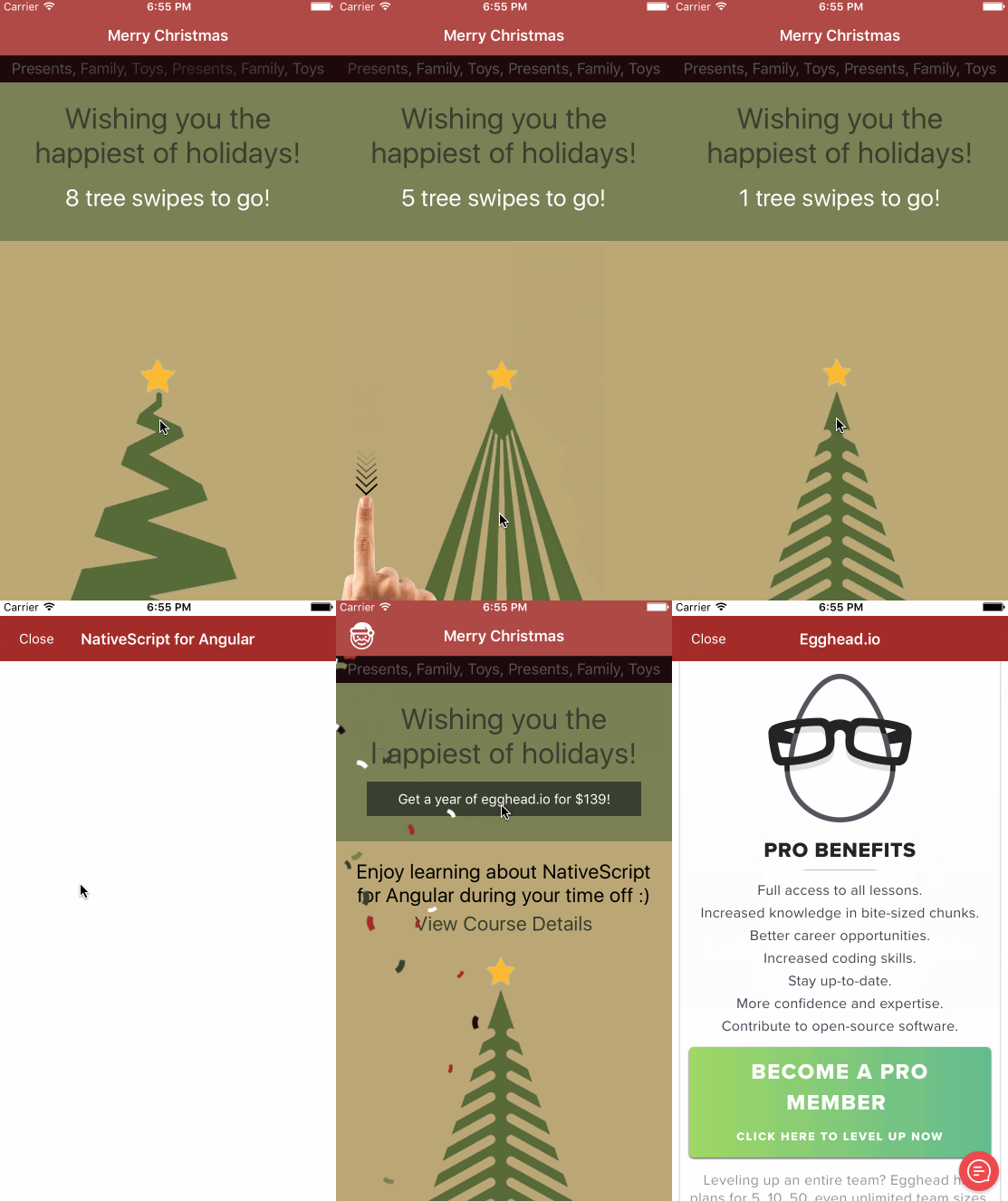
BONUS: If you run the app from the above repo and swipe down on the Christmas trees 8 times, a secret button will appear. Tap that button to receive a discounted pro subscription for a full year to egghead.io. Sign up right inside your preferred mobile emulator :)
Here's a sneak peak:
You can also install this theme via npm:
npm i nativescript-theme-christmas --save
We encourage others to publish their own custom themes. Feel free to base your theme off this setup or even create your own unique setup. We even have a theme plugin seed you can use to get up and running quick.
To make it easier for others to find your theme, we would suggest this standard naming convention:
nativescript-theme-[your-theme-name]
This will allow others to search npm for nativescript-theme and see all themes including yours!
